

Best Email Cleaner App for Gmail, Outlook, and Zoho in 2026
A practical guide to choosing an email cleaner app that removes inbox noise without hiding important customer, lead, client, or creator conversations.
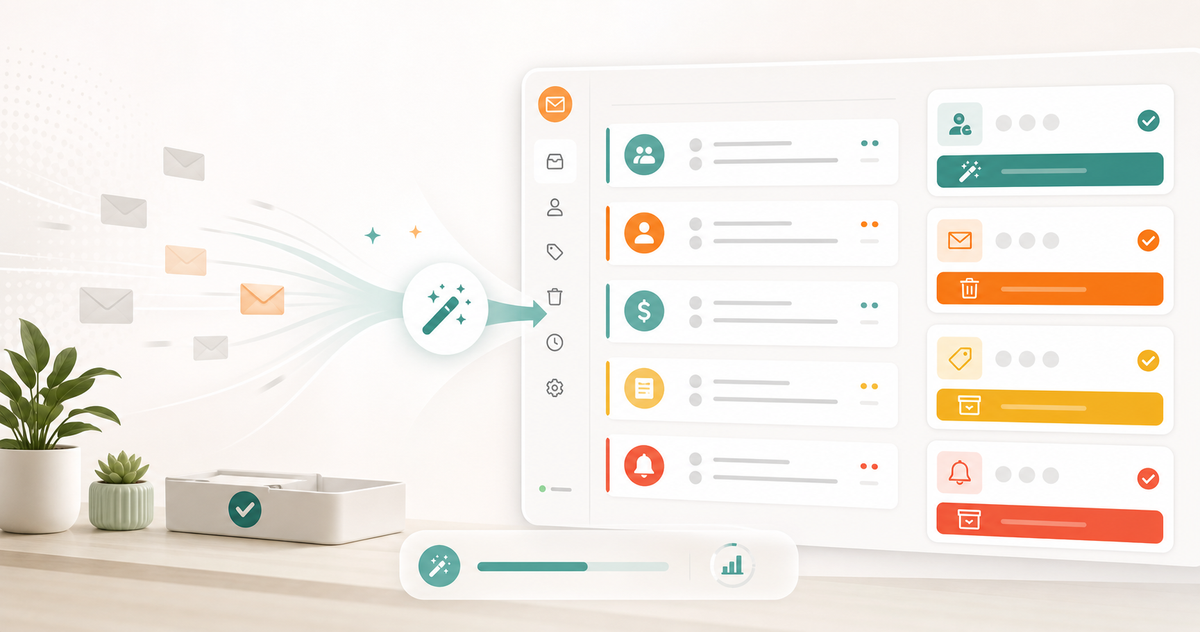
A practical guide to choosing an email cleaner app that removes inbox noise without hiding important customer, lead, client, or creator conversations.
Most email cleaner apps are built around one satisfying moment: deleting a lot of email at once.
That helps, especially if your inbox is full of old newsletters, receipts, product alerts, promo emails, and unread clutter. But cleanup is only half the job.
The real goal is not a dramatic purge. The real goal is a calmer inbox that still protects the conversations that matter: customers, leads, invoices, client approvals, hiring, partnerships, creator brand deals, and support requests.
That is why the best email cleaner app in 2026 should do more than unsubscribe and bulk delete. It should help you see which senders are creating noise, remove low-value email safely, and keep important conversations visible in the right workflow after the cleanup is done.
This guide breaks down what to look for, where common cleaner tools are strong, where they can fall short, and how to choose a cleaner workflow that works for Gmail, Outlook, Zoho Mail, and high-volume business inboxes.
What an email cleaner app actually needs to solve
Inbox clutter usually comes from a few repeat patterns.
Common examples:
- newsletters you subscribed to once and never read
- promo emails from tools, stores, and events
- automated receipts and alerts
- cold outreach that does not fit your business
- product notifications from apps you rarely use
- old threads that no longer need action
- noisy senders that bury important replies
Deleting these messages one by one is slow. Creating manual filters can help, but most people do not maintain them. Unsubscribing manually works for some senders, but not for the mess already sitting in your inbox.
A good email cleaner app should make the cleanup decision easier:
- Which senders create the most clutter?
- Which messages are safe to archive, delete, block, or unsubscribe from?
- Which emails should stay visible because they may affect revenue, trust, or timing?
- How do you keep the inbox cleaner after the first pass?
The last question matters most. If the tool only helps you clean once, you may be back in the same place a month later.
The cleanup trap: deleting noise is not the same as organizing work
Bulk cleanup feels productive because the number drops fast.
But a lower unread count does not automatically create a better email workflow.
If your inbox is where customer replies, sales leads, finance, support, hiring, and admin all collide, you need more than deletion. You need a system that separates low-value noise from high-value work before both become overwhelming.
That is where Replyless takes a broader approach. The AI email cleaner helps identify noisy senders and remove clutter, while AI email categorization and AI split inboxes help keep important conversations in focused views.
The cleaner should not be a separate chore. It should support the rest of the inbox.
What to look for in an email cleaner app
Use this checklist before choosing a cleaner tool.
1. Sender-level cleanup
The fastest way to clean an inbox is often by sender, not by individual email.
One sender may account for hundreds of unread messages. Another may send frequent low-value notifications. Another may be noisy but still occasionally important.
Look for a cleaner that helps you review senders in groups so you can decide:
- unsubscribe
- block
- archive
- delete
- keep newest
- leave untouched
Replyless cleaner workflows are designed around this practical question: which repeat senders are making your inbox harder to use?
That is much faster than opening every message manually.
2. Bulk delete without reckless automation
Bulk actions are useful, but they should still feel controlled.
Be careful with tools that make cleanup feel too automatic. A vendor, bank, client portal, travel tool, or creator platform can look noisy while still sending occasional high-value messages.
The safer pattern is review-first:
- Group the likely clutter.
- Show why the sender is being suggested.
- Let the user choose the action.
- Keep important workflows separate from cleanup.
Replyless is a good fit for this because cleanup sits alongside sorting, summaries, drafts, and reminders instead of living as a disconnected purge tool.
3. Unsubscribe support
An email cleaner app should help with newsletters and mailing lists.
But unsubscribe is not always enough.
Some senders keep mailing you. Some messages are transactional and should not be unsubscribed from. Some old emails still need to be archived or deleted even after future messages stop.
Use unsubscribe for recurring marketing noise. Use archive or delete for old clutter. Use block only when a sender is genuinely unwanted.
The best cleaner workflow gives you multiple actions instead of pretending every clutter problem has the same fix.
4. AI sorting after cleanup
Cleanup removes the old pile.
Sorting prevents the next pile from becoming just as messy.
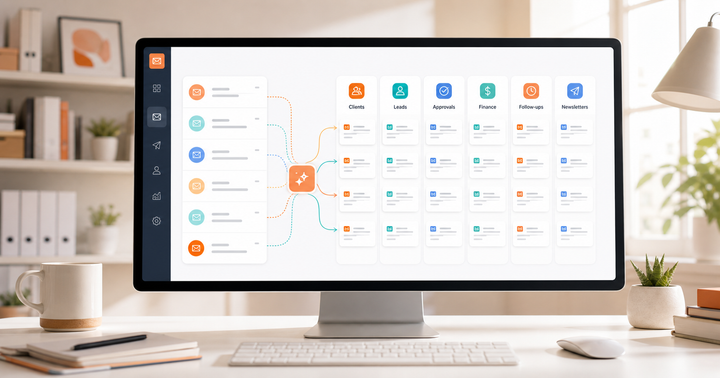
If your inbox stays as one endless feed, new clutter will keep competing with real work. A better setup separates messages by intent and workflow:
- customers
- leads
- finance
- hiring
- support
- partnerships
- creator deals
- newsletters
- app alerts
- low-priority updates
Replyless AI split inboxes are useful because they turn cleanup into an ongoing system. Noise has a place to go. Important messages have a place to surface.
5. Multiple account support
Many people are not cleaning one inbox anymore.
They are cleaning:
- a personal Gmail account
- a work Outlook account
- a Zoho Mail business account
- a client inbox
- a creator or brand-deal inbox
- a support or team account
If the cleaner only works well for one account, your workflow stays fragmented.
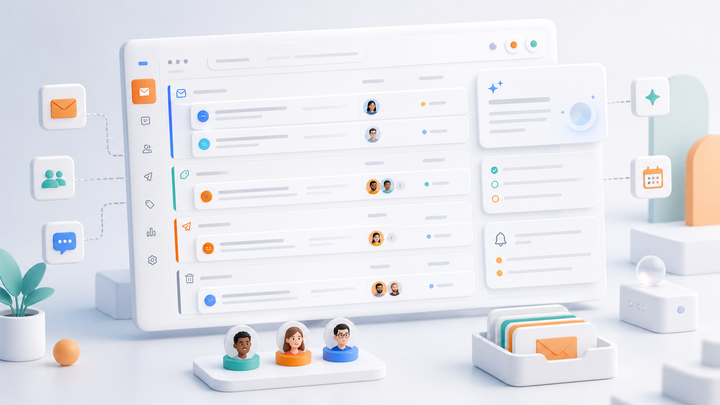
Replyless supports multiple email accounts across Gmail, Outlook, and Zoho Mail workflows, while keeping each connected inbox scoped. That matters because a cleanup action in one inbox should not blur into another account's context.
6. Summaries and drafts for messages you keep
Not every old thread should be deleted.
Some threads are messy because they are important. A client conversation may have ten replies. A customer issue may contain screenshots and decisions. A sales thread may include pricing context. A partnership conversation may have a long history but still need action.
For those messages, the answer is not cleanup. It is context.
Replyless thread summaries help you understand what happened in a long conversation before deciding whether to close it, reply, or set a reminder. AI email drafts help when the next step is a reply, not a deletion.
A good cleaner app should help you remove noise without flattening every email into trash.
How popular cleaner and email tools compare
Different products solve inbox cleanup from different angles.
Clean Email is focused directly on mailbox cleanup. It emphasizes bulk cleanup, smart folders, unsubscribe workflows, auto-clean rules, and sender grouping. That can be useful if your main pain is a very large backlog of unwanted messages.
SaneBox is more about filtering and training the inbox over time. It can move less important emails away from the main inbox and help reduce daily interruption. This is useful if you want ongoing filtering more than one-time deletion.
Spark is a full email client with focus features, smart inbox workflows, newsletters and notification handling, snooze, send later, AI writing, summaries, and cross-platform support. It can fit people who want a polished inbox app with cleaner organization built in.
Canary Mail positions itself as an AI email client with multiple accounts, AI writing, summaries, categorization, unsubscribe, snooze, templates, read receipts, and strong security positioning. It may be attractive when privacy and cross-device support matter alongside cleanup.
Superhuman is more speed-first. It is strongest for power users who want fast email, split inboxes, reminders, snippets, read status, and premium personal productivity workflows.
Replyless sits in a different lane: an AI email workflow for people who want cleanup plus the surrounding operating system. It helps with noisy senders, split inboxes, AI categorization, summaries, drafts, snippets, reminders, and multiple Gmail, Outlook, and Zoho accounts.
The buying question is simple:
Do you need a one-time inbox purge, or do you need a cleaner inbox system?
A simple email cleanup workflow
If your inbox is overloaded today, do not start by trying to clean everything.
Start with this.
Step 1: Find the noisiest senders
Look for senders that create volume without creating value.
Examples:
- daily newsletters you never open
- product alerts you ignore
- store promotions
- trial notifications from old tools
- event updates after the event is over
- duplicate app reports
Clean these first because they create the biggest visible change with the least decision-making.
Step 2: Separate low-value noise from important workflows
Do not clean customer, client, finance, hiring, or sales threads the same way you clean newsletters.
Create or use focused inbox lanes before taking broad action.
Useful lanes:
- customer replies
- inbound leads
- finance and invoices
- hiring
- partnerships
- support
- newsletters
- automated alerts
Once these lanes exist, cleanup becomes safer because you know what belongs where.
Step 3: Use unsubscribe, archive, delete, and block differently
Each action has a different job.
- Unsubscribe when you do not want future marketing email.
- Archive when the email does not need action but may be useful later.
- Delete when the message has no future value.
- Block when the sender is unwanted or abusive.
Do not use delete as the answer for everything. The best cleanup systems reduce noise without destroying useful history.
Step 4: Turn repeated cleanup into rules or suggestions
After the first cleanup pass, look for patterns.
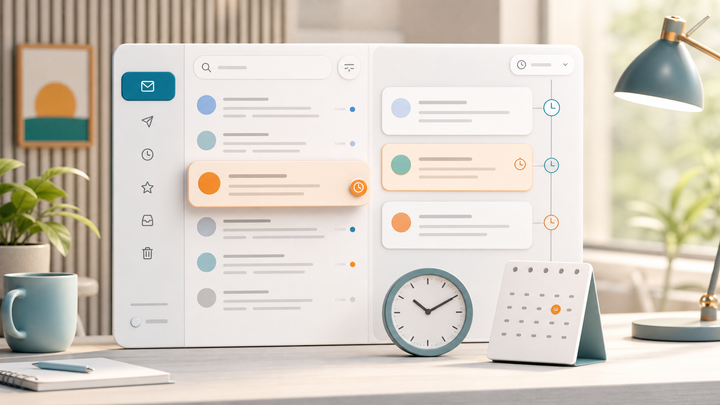
If a sender keeps returning, unsubscribe or block it. If a category keeps filling up, route it into a split inbox. If a workflow keeps requiring follow-up, use reminders instead of leaving messages open.
This is where Replyless cleaner suggestions and AI sorting become useful. The system is not just helping you clean the past. It is helping you keep future email from becoming the same mess.
Step 5: Review important old threads before closing them
Before closing a long thread, quickly check:
- Was there an unanswered question?
- Did someone promise a next step?
- Is money, timing, or customer trust involved?
- Does this need a reminder instead of deletion?
- Would a summary make the next action clearer?
If the answer is yes, do not clean it like clutter.
Summarize it, reply if needed, schedule a follow-up, or mark it done when the loop is genuinely closed.
Best email cleaner app: quick recommendation by use case
Choose based on the job you actually need done.
- Choose a dedicated cleaner if your main problem is a huge backlog of unwanted email.
- Choose a filtering tool if you want less interruption from low-priority messages over time.
- Choose a full email client if you want a new inbox experience across devices.
- Choose Replyless if you want cleanup plus AI sorting, focused inboxes, summaries, drafts, reminders, snippets, and multi-account workflows.
For founders, creators, freelancers, agencies, and small teams, cleanup alone usually is not enough. You do not just need fewer emails. You need the right emails to become easier to see and handle.
The bottom line
The best email cleaner app is not the one that deletes the most email fastest.
It is the one that helps you remove low-value noise while protecting the conversations that drive revenue, trust, and momentum.
If your inbox is mostly newsletters and promos, a classic cleaner may be enough. But if your inbox is also where customers, leads, clients, finance, hiring, partnerships, and creator deals happen, choose a cleaner workflow that understands the rest of the job.
Replyless is built for that broader problem: clean the noise, split the work, summarize the context, draft faster replies, and keep follow-ups moving across Gmail, Outlook, and Zoho Mail.
Start with the free AI email cleaner, then use the full Replyless feature library if you want cleanup to become part of a calmer daily inbox system.
Comments ()